Booking.com

Project type
Web design
Project year
2026
Tools used
Figma
Overview
Redesigned Booking.com’s Home Page to simplify browsing and highlight key information, creating a clearer and more approachable experience. By improving visual hierarchy, reducing clutter, and enhancing layout consistency, users can scan listings faster, focus on decision-critical information, and complete primary tasks more efficiently.
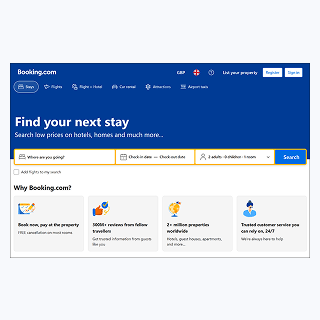
Original design review
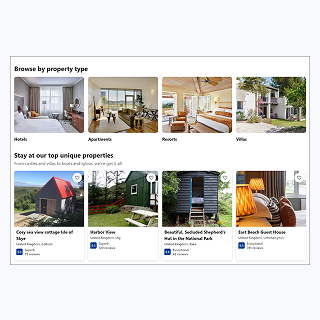
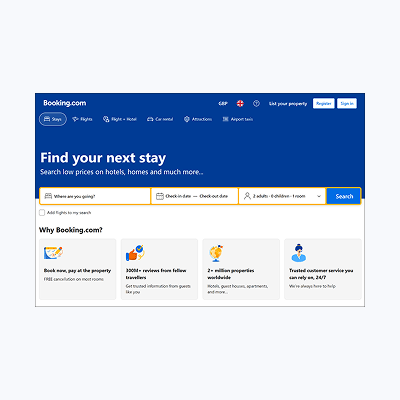
Booking.com's home Page is one of the platform's most-visited screens, but dense listing cards can overwhelm users, especially on mobile. This project focused on redesigning the search results to improve scannability, reduce cognitive load, and support faster, more confident user decisions.
No items found.
Project goals
  • Simplify & Prioritise: reduce clutter and highlight key details on listing cards.
  • Improve Visual Hierarchy: make primary actions and important information stand out.
  • Increase Whitespace & Consistency: create a clean, approachable layout.
  • Enhance Navigation & Discoverability: make search and primary actions easy to find.
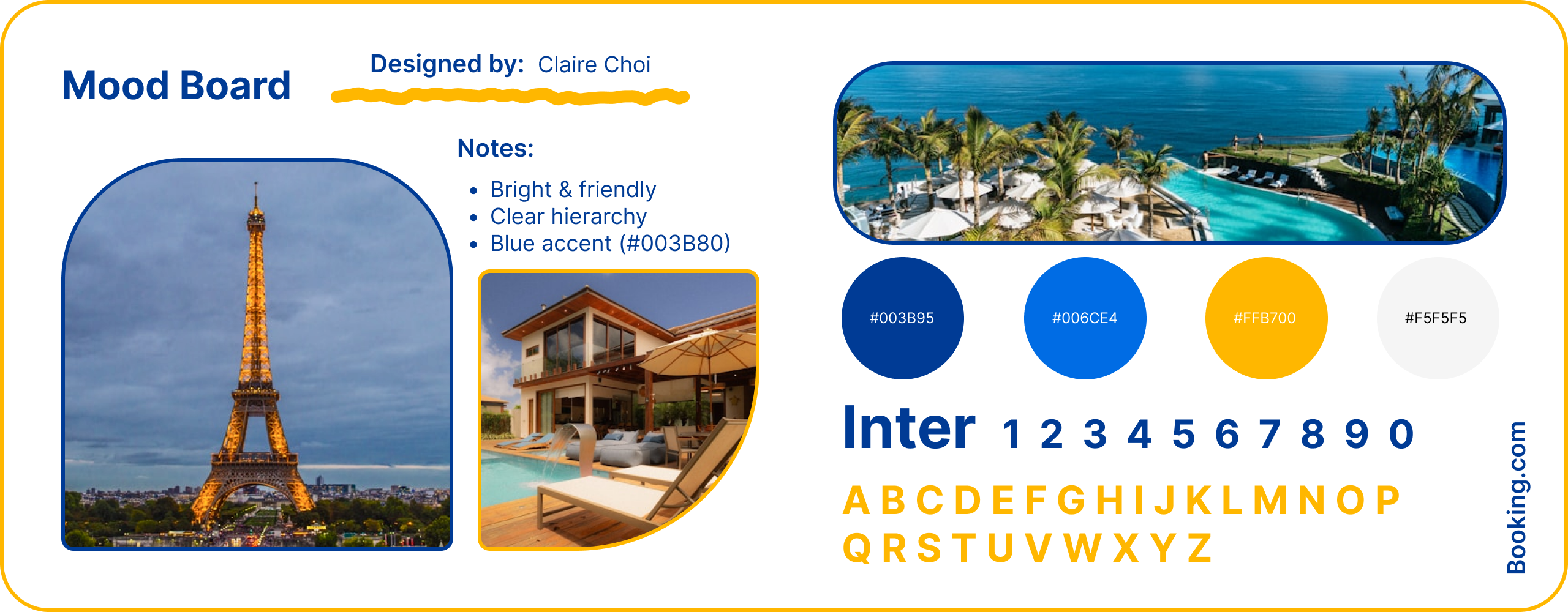
Mood board

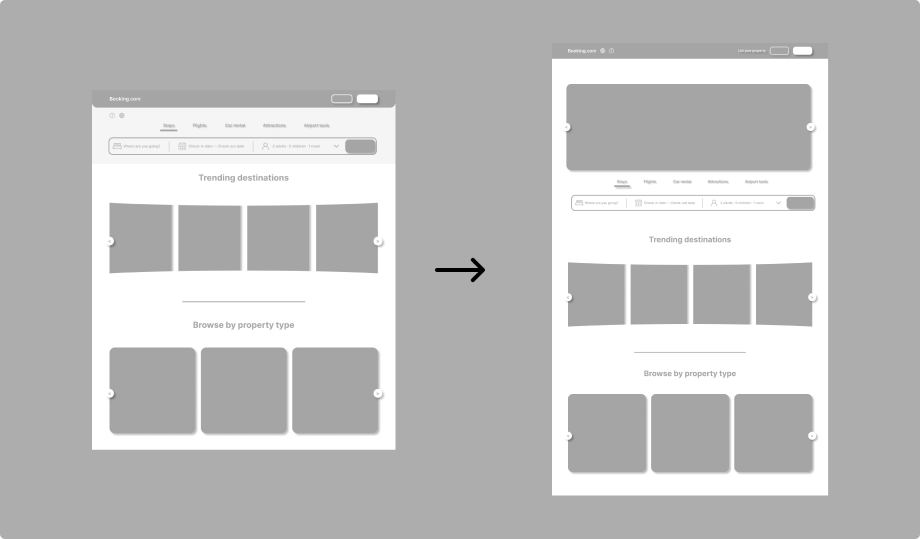
Wireframes focused on the Home and Search Results screens to simplify listing cards and improve scannability. Primary actions and important details were prioritised, while consistent layout patterns and visual grouping supported faster decision-making. Iterative adjustments ensured the design remained user-centred and efficient.
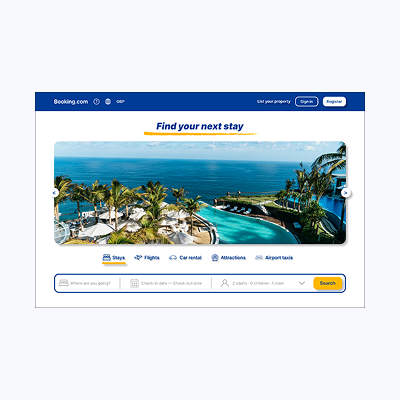
Wireframe (Low-Fidelity)
View all pages ->
No items found.
Final design (High-Fidelity)
View all pages ->
No items found.
Design Transformation
  • Before:
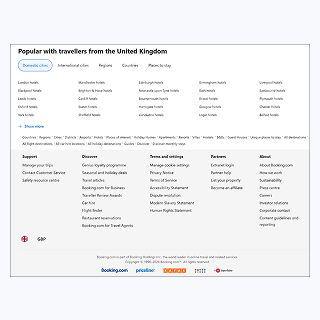
    The Home Page was crowded with dense listing cards and excessive text, making it difficult for users to scan information quickly. Primary actions were hard to find, and the visual hierarchy did not guide decision-critical information effectively.
  • After:
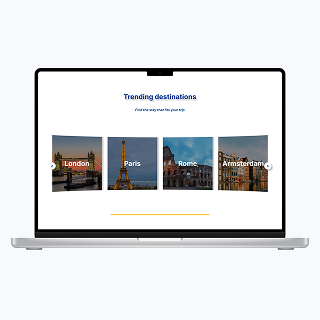
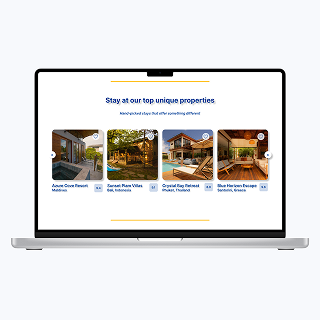
    Listing cards were simplified, key details were highlighted, and visual hierarchy was improved. Icons and consistent layout patterns enhanced scannability, while search and primary action elements were made more discoverable.
  • Impact:
    Users can now scan and compare properties faster, complete primary tasks more efficiently, and focus on decision-critical information. The redesign created a cleaner, more approachable, and intuitive browsing experiences.
View all pages ->
No items found.
UX improvement

The redesigned Home Page allowed users to scan and compare listings more efficiently by simplifying information structure and clearly grouping key details. Primary tasks, such as searching for and selecting a property, became easier to complete as important actions and information were more immediately discoverable. Reducing visual competition helped users focus on decision-critical content rather than secondary labels or badges. Consistent layout patterns and enhanced visual hierarchy improved predictability and reduced learning effort across different sections. Overall, these improvements lowered cognitive load, increased usability, and created a more intuitive and approachable experience, demonstrating how targeted design changes can effectively support diverse user needs.

reflection

This project highlighted how information density and clutter can overwhelm users and slow decision-making, particularly on mobile devices. One of the main challenges was balancing detailed listing information with a clear, scannable layout. To address this, I prioritised key details, reorganised the visual hierarchy, and reduced unnecessary visual noise, ensuring that primary actions were immediately discoverable. This experience strengthened my ability to identify pain points, make user-centred design decisions under constraints, and iteratively test solutions, preparing me to tackle real-world UX challenges effectively.