Project type
Mobile design
Project year
2026
Tools used
Figma

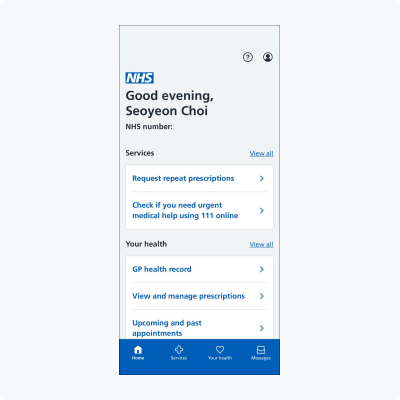
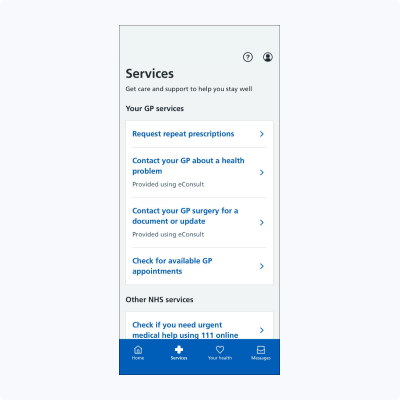
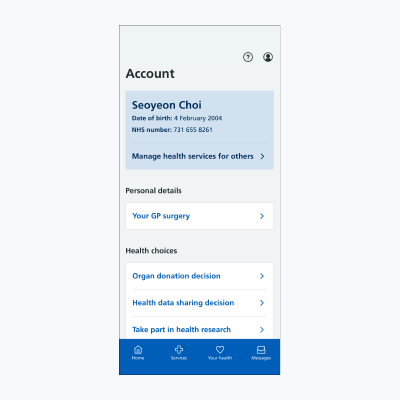
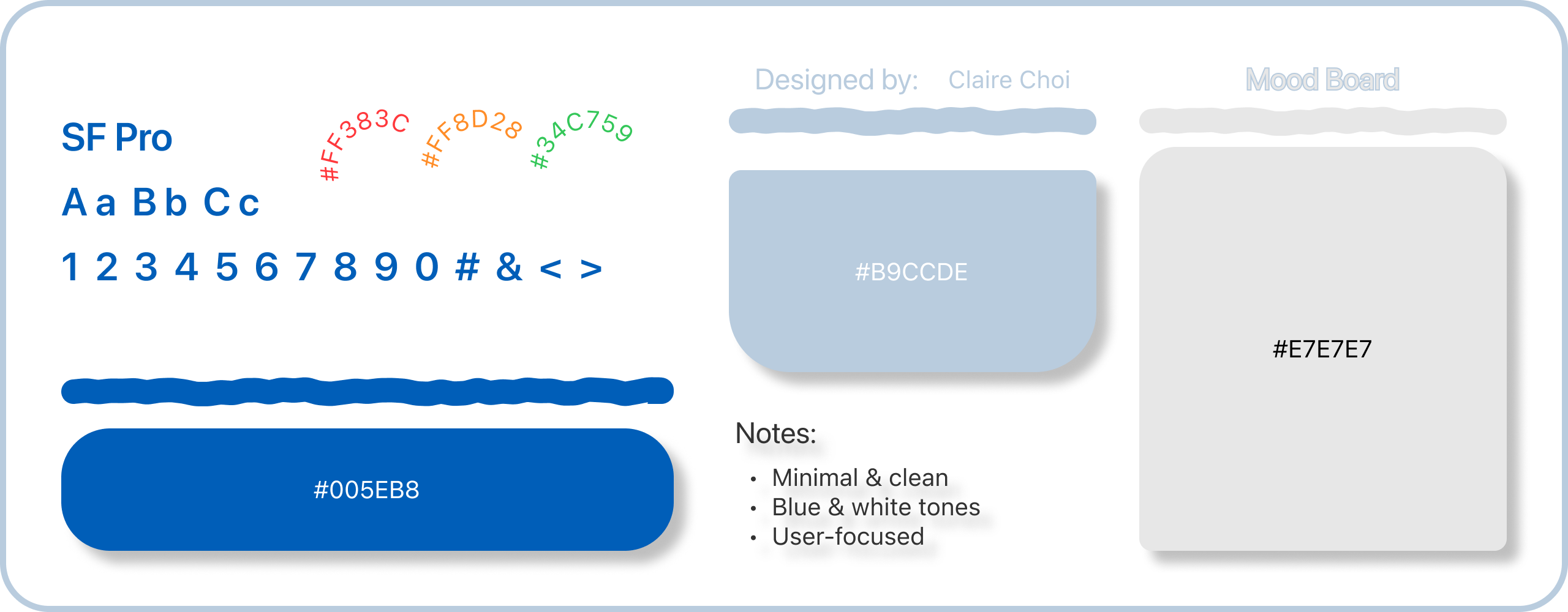
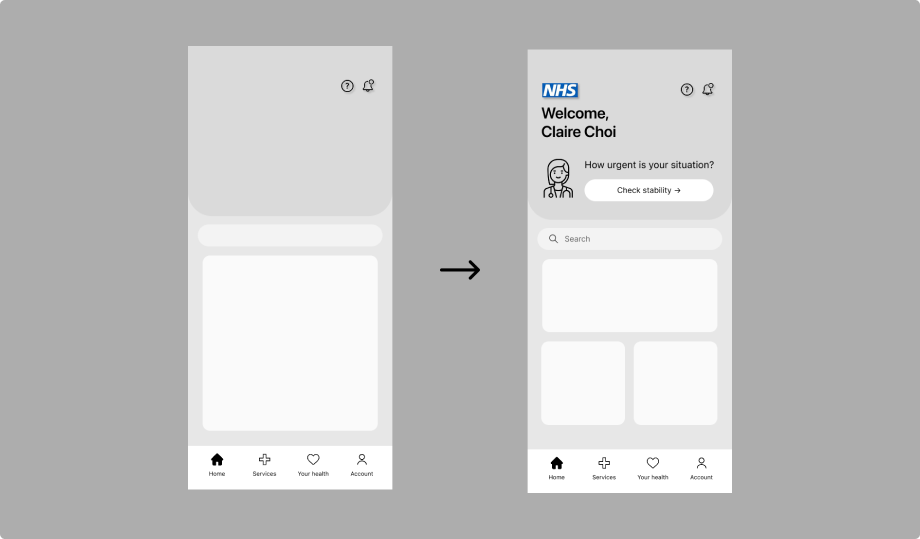
Low-fidelity wireframes were created to explore the Home screen layout, task flow, and content prioritisation. Key actions were positioned prominently, related information was grouped logically, and whitespace was used to reduce cognitive load. Iterative refinement allowed me to balance simplicity, usability, and accessibility for diverse users.
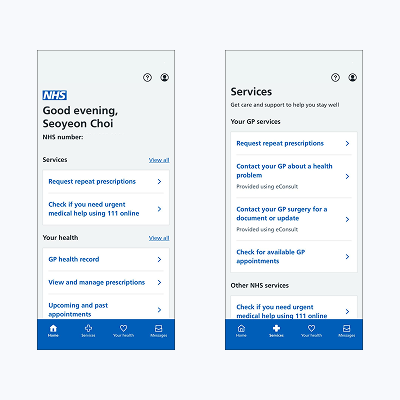
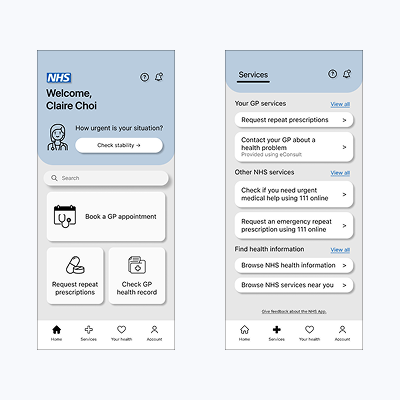
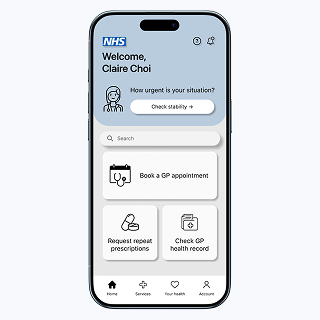
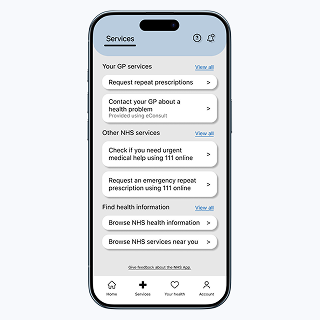
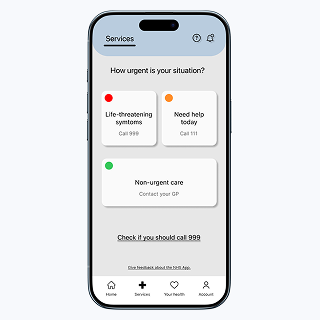
The simplified Home screen significantly improved usability by enabling faster and easier task completion. Prioritizing key sections in the navigation allowed users to access important information more quickly, while a clear visual hierarchy and reduced text lowered cognitive load and improved readability. Icons, visual cues, and a search function enhanced accessibility, helping users understand and interact with content more efficiently. Additionally, the addition of an immediate PA button ensured support was readily available in urgent situations, increasing user confidence and safety. Overall, these changes maintained familiar workflows while delivering a more intuitive and inclusive user experience, showing how targeted design adjustments can create meaningful improvements for a diverse user base.
This project reinforced the importance of balancing simplicity, accessibility, and usability for a diverse user base. I learned that even small changes in layout, text, and visual cues can significantly reduce cognitive load and improve readability. Preserving familiar workflows was essential to maintain user confidence within a regulated healthcare system, while adding search functionality and an emergency PA button enhanced safety and efficiency. The iterative, user-centred design process allowed me to make decisions based on real user needs, ensuring that improvements were practical and impactful. Overall, this experience strengthened my understanding of how thoughtful interface adjustments can create more inclusive and intuitive digital experiences.