Claire Choi
← Back to work
Flowtype
UX case study

Stop tracking time. Start tracking intent.

Flowtype is a mobile productivity partner designed for students and solo creators whose work demands deep focus and cognitive endurance. It bridges the gap between how we think we work and how we actually work. By synthesising self-reported goals with real-time behavioural patterns, Flowtype’s AI generates personalised weekly summaries and optimises work schedules by identifying the exact "when" and "how" for peak efficiency.

UX/UI Design
AI features
Mobile · IOS
Role:
Solo UX/UI Designer
Tools:
Figma, Lovable
Duration:
1-week sprint
01. Problem & Opportunity

Problem & Opportunity

Problem

The Productivity Illusion

Traditional productivity tools often focus on the volume of tasks, creating a busy schedule that lacks a clear sense of progress.

Opportunity

From Recording to Intervening

Flowtype transforms passive tracking into active intervention, ensuring every work session is driven by intent rather than just the clock.

02. Project goals

Strategic Foundation

👤

User Goals

Visualising actual time investment

Distinguishing deep flow from passive drift

Architecting a schedule that fits reality

📈

Business Goals

Driving daily active use via AI coaching

Creating viral growth through shareable reports

Optimising conversion to £4.99 premium tiers

03. research methodology

Understanding the user's reality.

Semi-structured Interviews

"Trust in AI is built through transparency. We must design for 'uncertainty'—ensuring the UI can gracefully handle hallucinations to rebuild user confidence immediately."

— Product-Led UX Designer (anonymous)

"To bridge the trust gap, our research suggests moving away from 'Black Box' automation toward a 'Collaborative' model. By implementing Human-in-the-Loop checkpoints and transparent error handling, we ensure the user feels in control even when the AI faces uncertainty."

— Syed Irfan, Product Manager
04. design process

How I got to the answer.

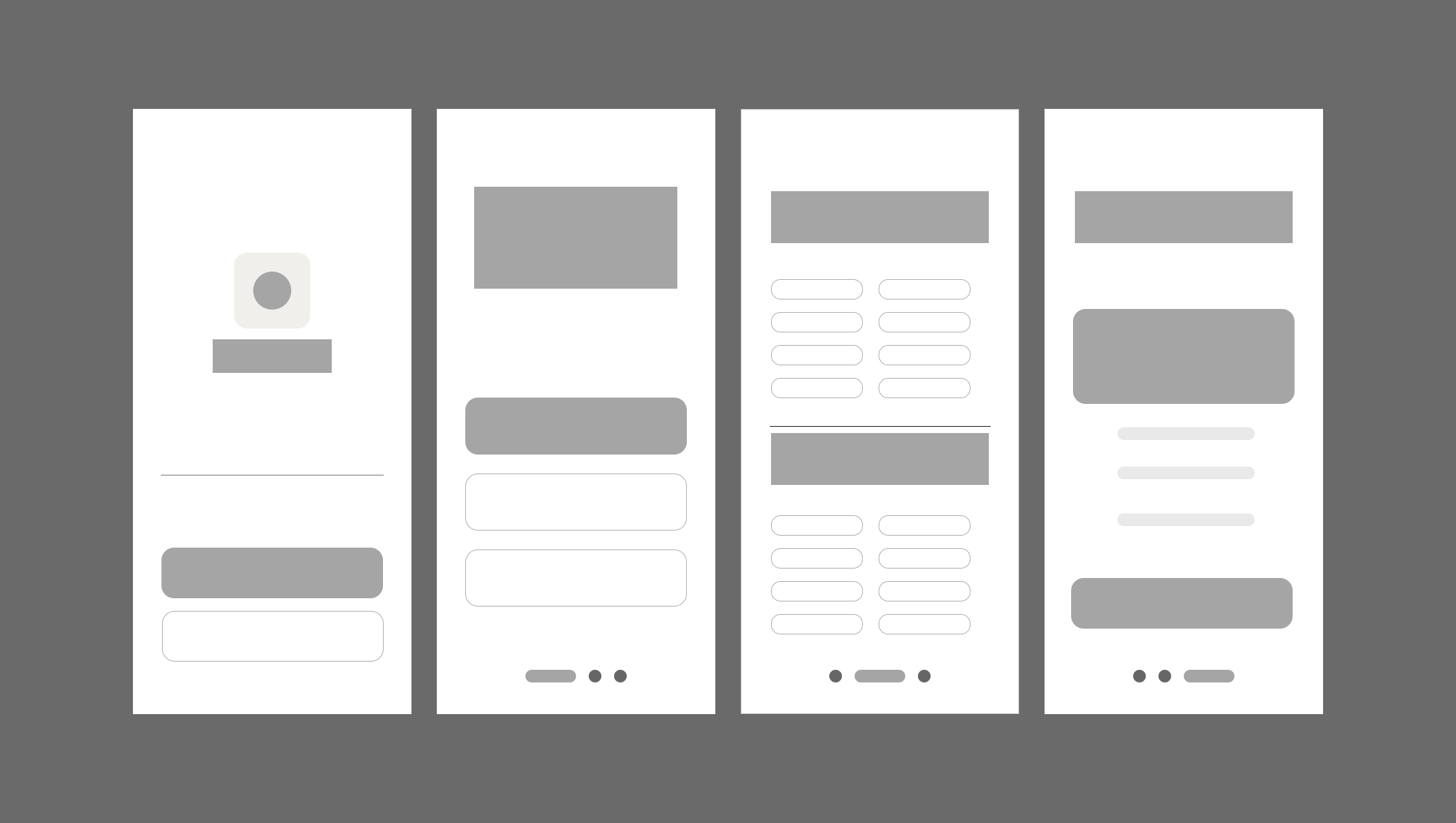
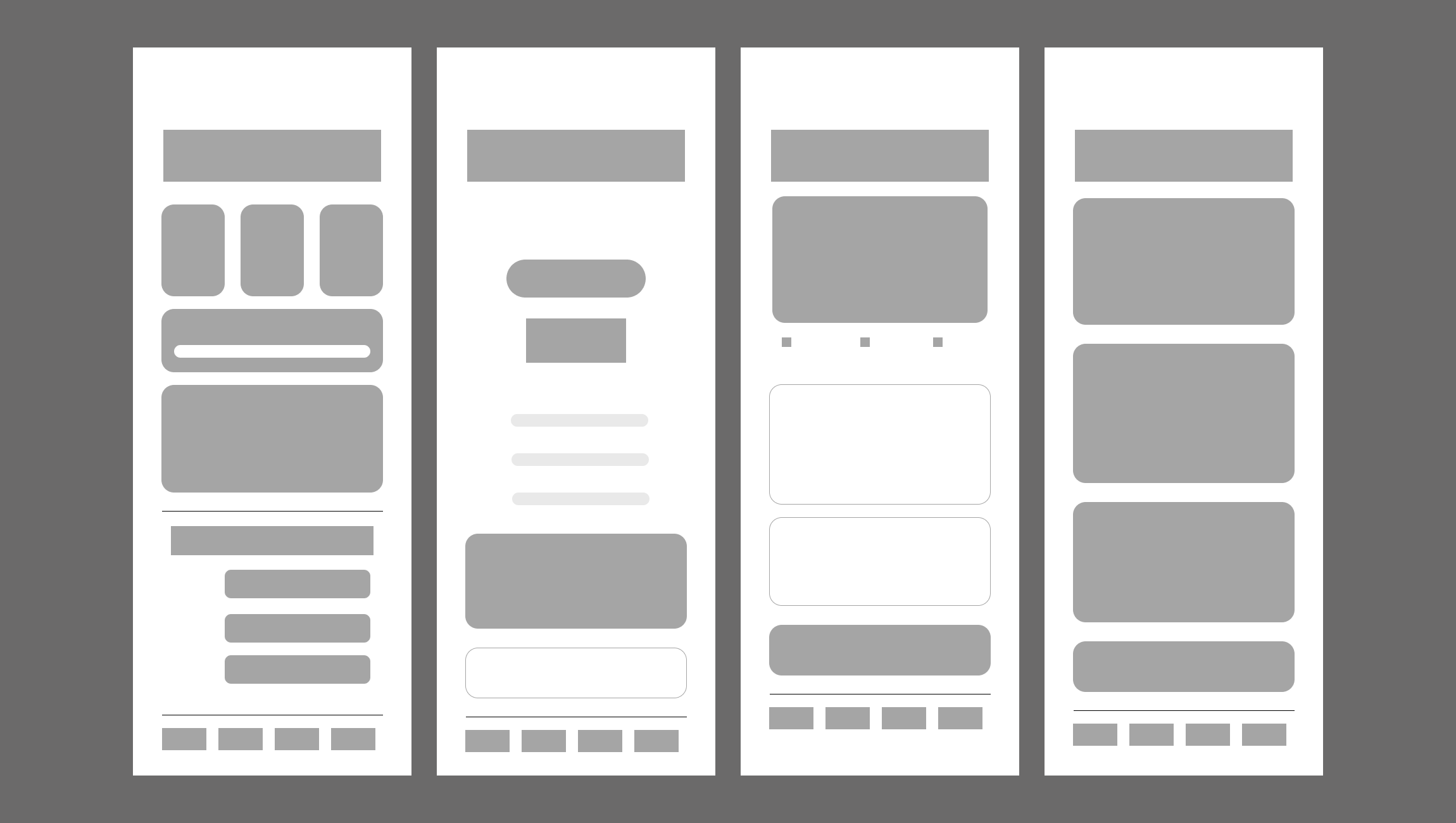
Wireframe (Low-Fidelity)

View Full project ->

From Design to Functional Prototype

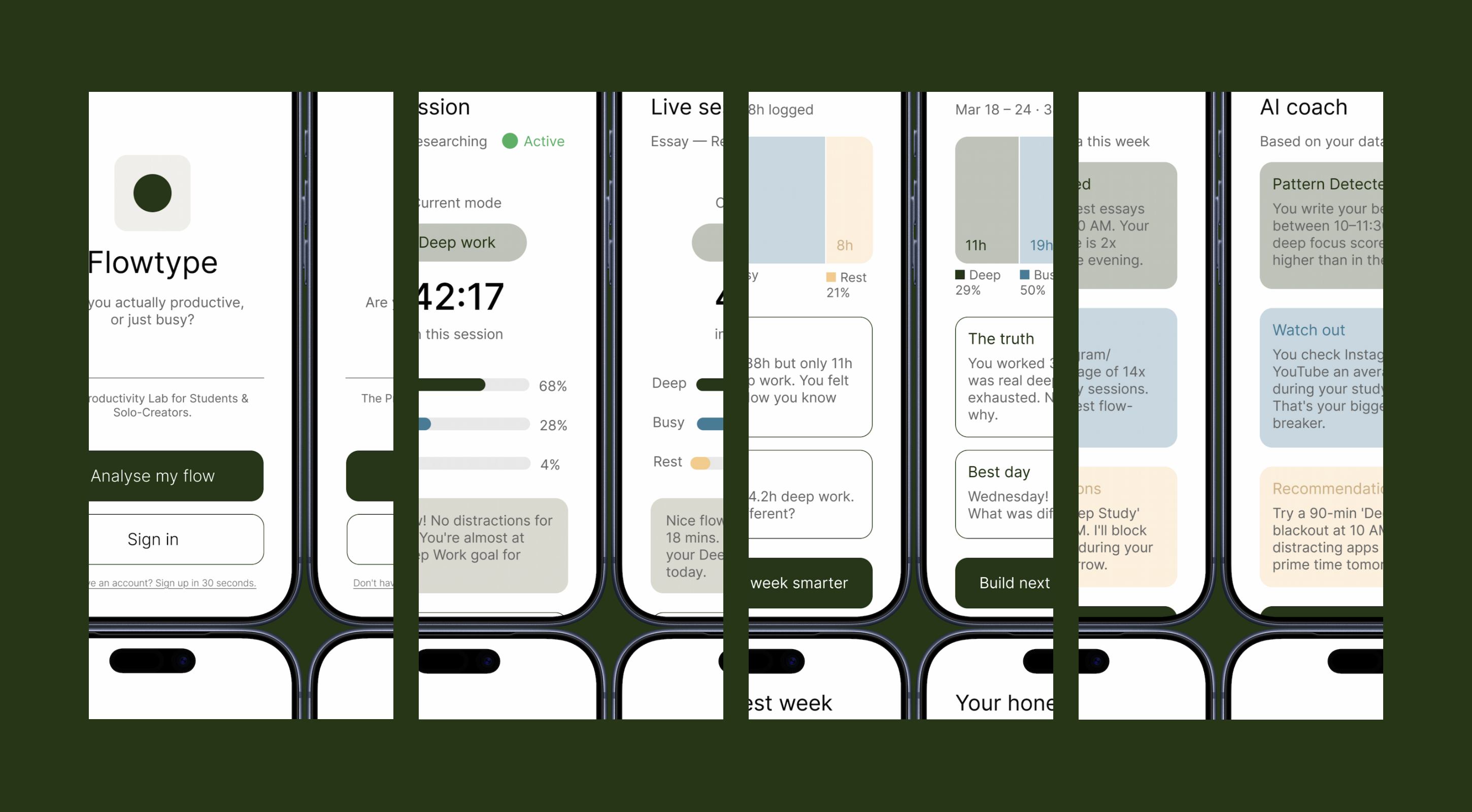
To validate the design beyond static screens, I built a working prototype using Lovable, turning my Figma designs into an interactive app that real users could test on their phones.
Link: Try the live prototype →

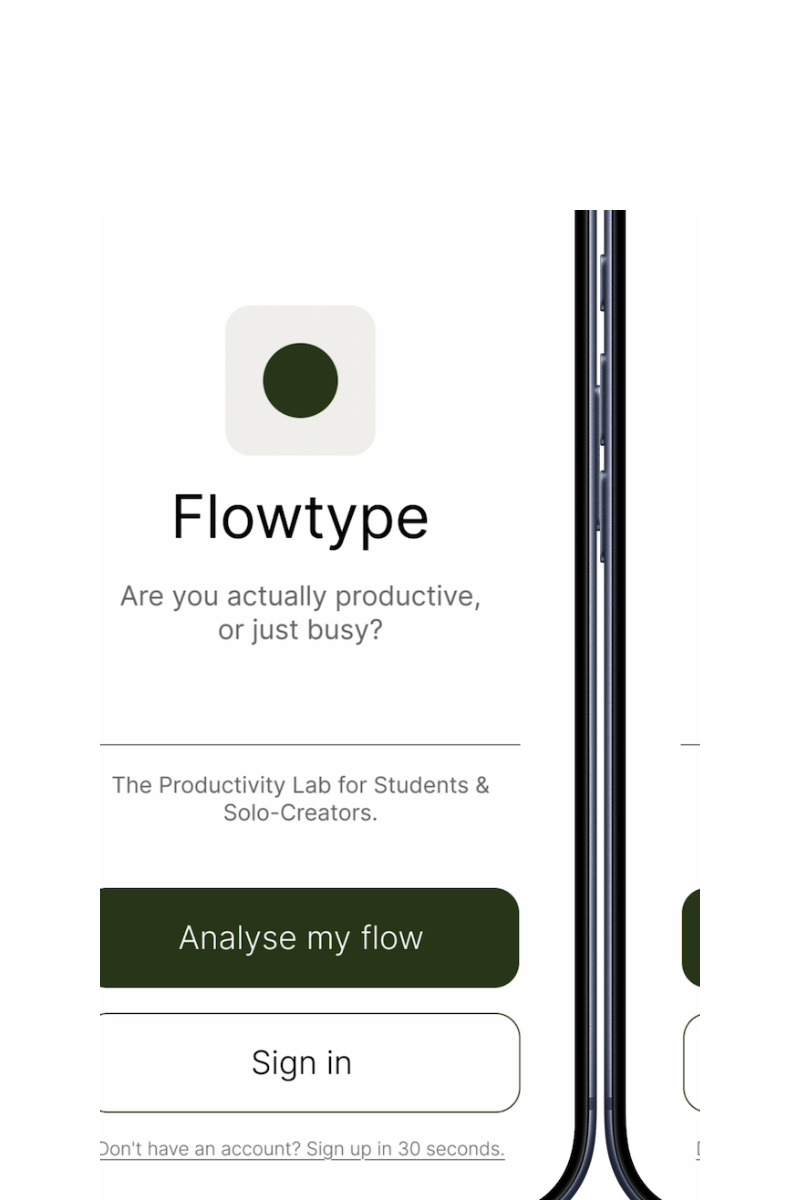
Final (High-Fidelity)

View Full project ->
05. testing

Test. Learn. Repeat.

Round 1 - Prototype Test
5
participants tested

Shared the live prototype with 5 participants to observe real interactions. Not just clickable mockups, but a functional prototype they could navigate freely.

Round 2 - Final Logic
3
AI responses designed, not just generated

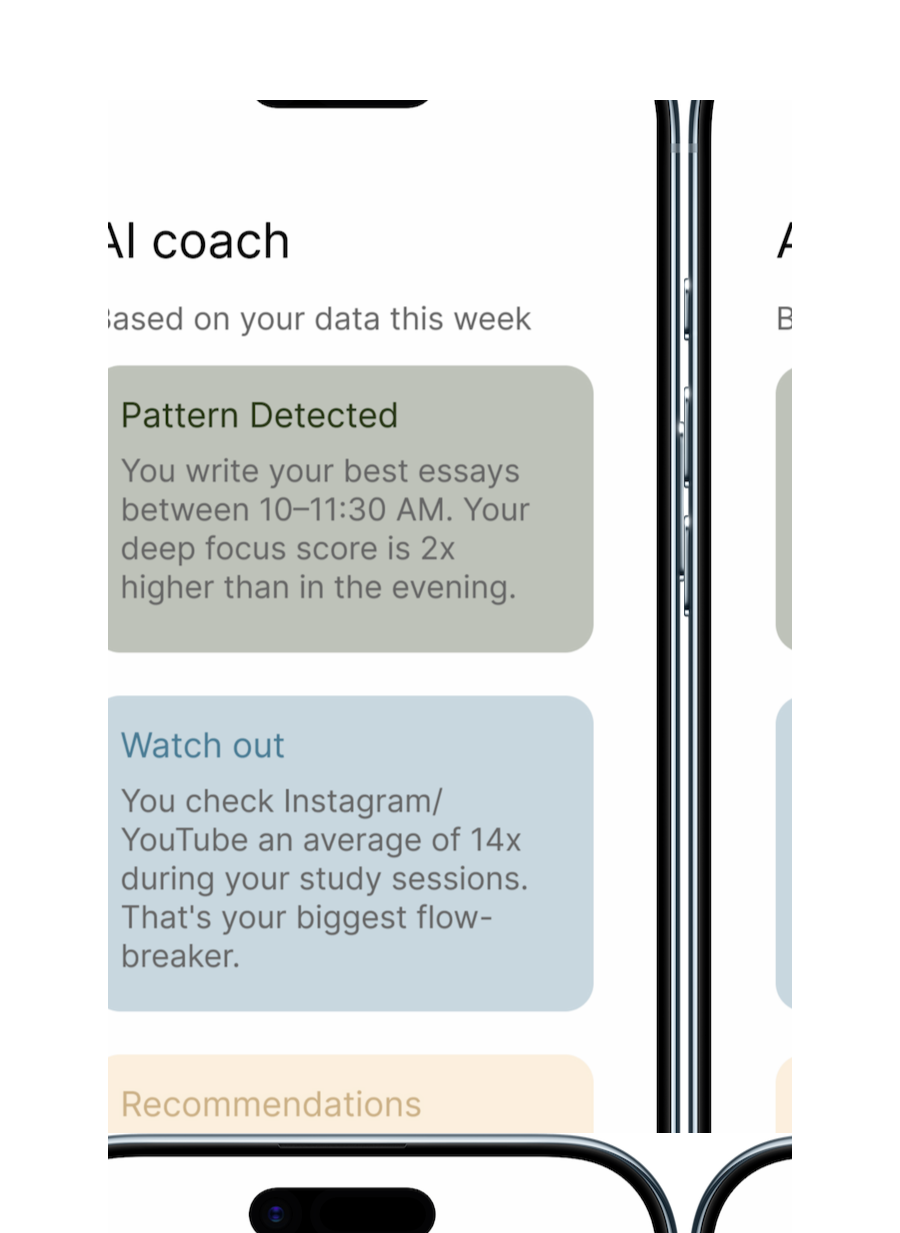
AI outputs are unpredictable: feedback, plans, and recommendations all vary in length. In early testing, this broke the layout. I redesigned the interface around 3 structured containers so the experience stays consistent no matter what the model returns.

06. expected result & impact

Measuring Success

Complexity

Information elements per screen after redesign

Usability

Participants completed core task without guidance

Pricing

Premium conversion target based on market research
07. reflection

What I'd do differently.

⚡ Challenge

Building a full-stack AI app with no engineering background meant every technical problem was new to me, from database security policies to API integration to debugging authentication flows that silently failed.

💡 What I learned

The fastest way to validate a design isn't a prettier mockup, it's a working product. Shipping the real thing in one night taught me more about my own design decisions than weeks of iteration in Figma ever did.

🛠️ Do differently

I'd interview more users before building, not after. I spoke to students and got invaluable insights, but doing that research first would have saved me from building features I later had to rethink.

Let's work together
Got a project in mind?
I design digital products and experiences. Currently based in the United Kingdom.